FAQ
About webRoid
What is webRoid?
webRoid runs R on your Android phone or tablet. It uses webR, a version of R made to run inside a web browser, so there is no server or account, and R works offline. A few things work differently from R on a computer.
Is there an iOS version?
Yes. webRios is the iOS companion app. It uses the same webR engine, and the two apps can share custom themes.
What Android version do I need?
Android 15 or later. You can check yours in Settings > About phone > Android version. webRoid is built and tested on Android 15. If your device has an older version and you would like to use webRoid on it, tell us.
Does webRoid work on tablets?
Yes. On a tablet or Chromebook, a new install starts in the Workspace layout, with the Console, Editor, Environment and Plots on screen at once. You can switch layouts in Settings. See Layout Modes.
Is webRoid available in other languages?
No. webRoid is in English only, whatever language your device uses, and so are the labels TalkBack reads for its controls.
Does the app need an internet connection?
Only to browse and install packages, to export a script as a GitHub gist, and for R code that fetches something from the web. Everything else, R included, works offline.
Which version of R does webRoid use?
R 4.6.0, from webR 0.6.0. An app update that brings a newer webR means installing your packages again.
Why is the app so large?
webRoid includes webR (about 30 MB compressed), which is what lets R run on your device with no server.
Starting and Stopping R
Why does the app take a while to start?
R has to load each time you open the app: about 5 to 15 seconds the first time, and less after that. If the loading screen says “Restoring packages…”, the app’s cache was cleared, by you or by Android when storage runs low, and webRoid is copying your packages back from your storage folder. That is progress, not a hang.
What if the app fails to start?
Rarely, R can’t start, and webRoid shows Unable to Start R instead of the app.
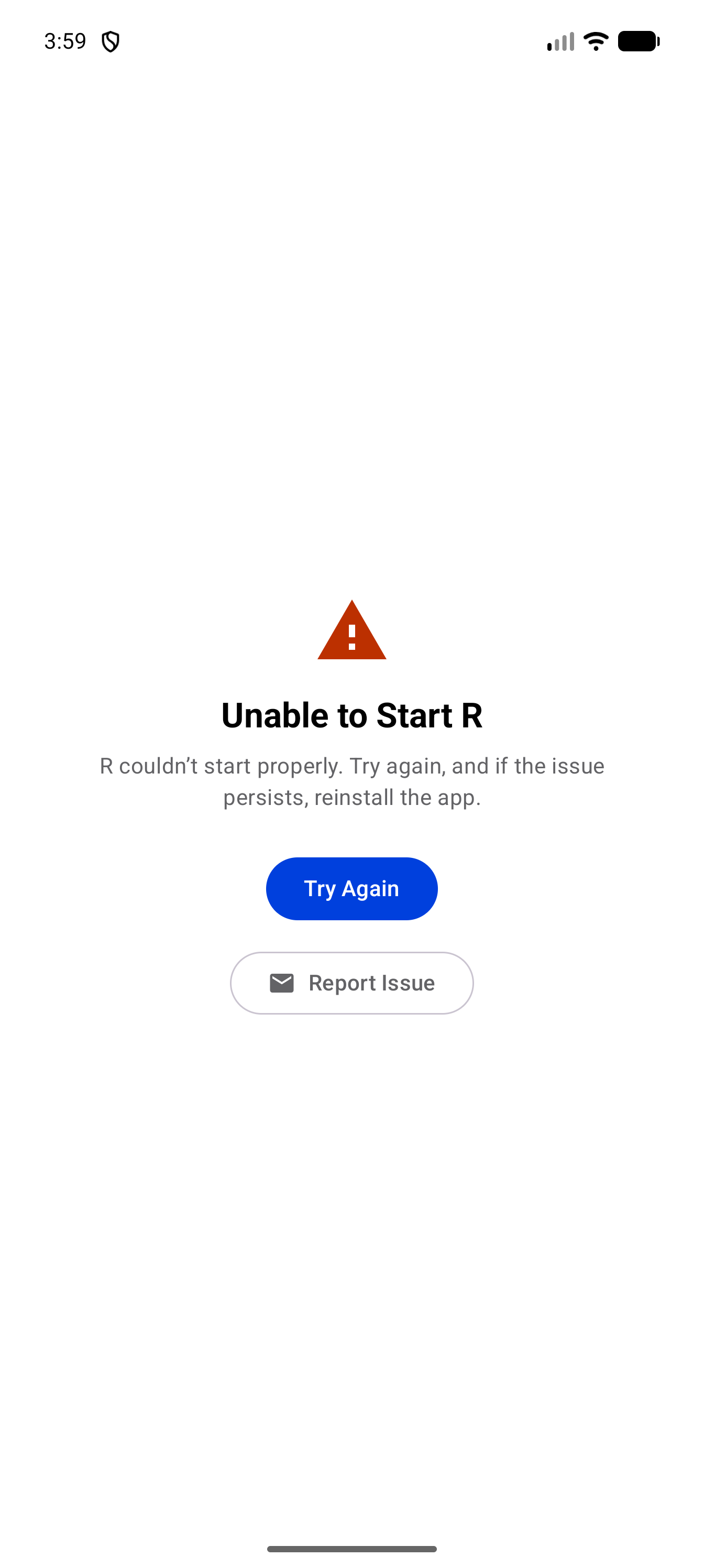
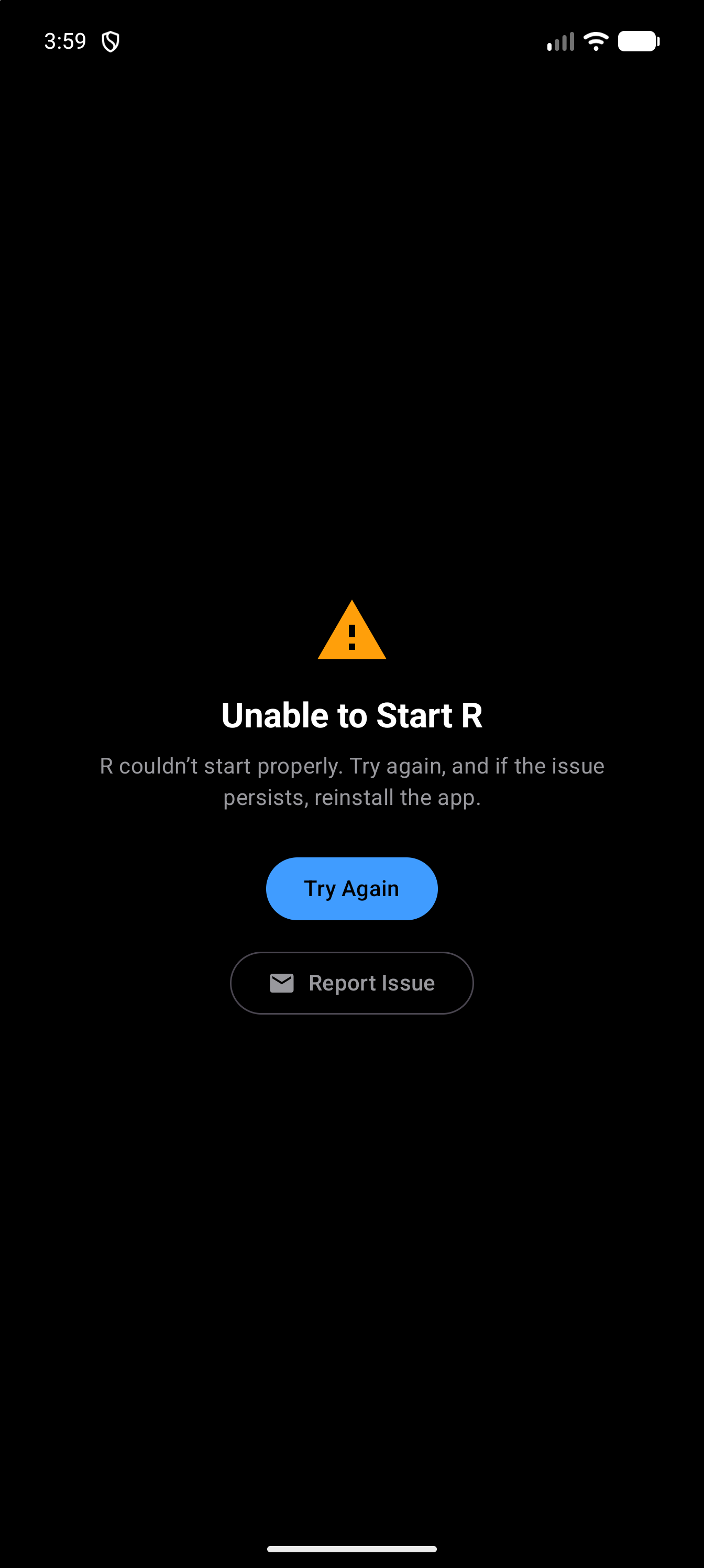
Tap Try Again. If it keeps failing, tap Report Issue to email us. Sending a Diagnostic Report says what to tell us.
What does “R Session Stopped” mean?
Android closed the part of the app that R runs in, usually to free memory, and most often while webRoid was in the background.
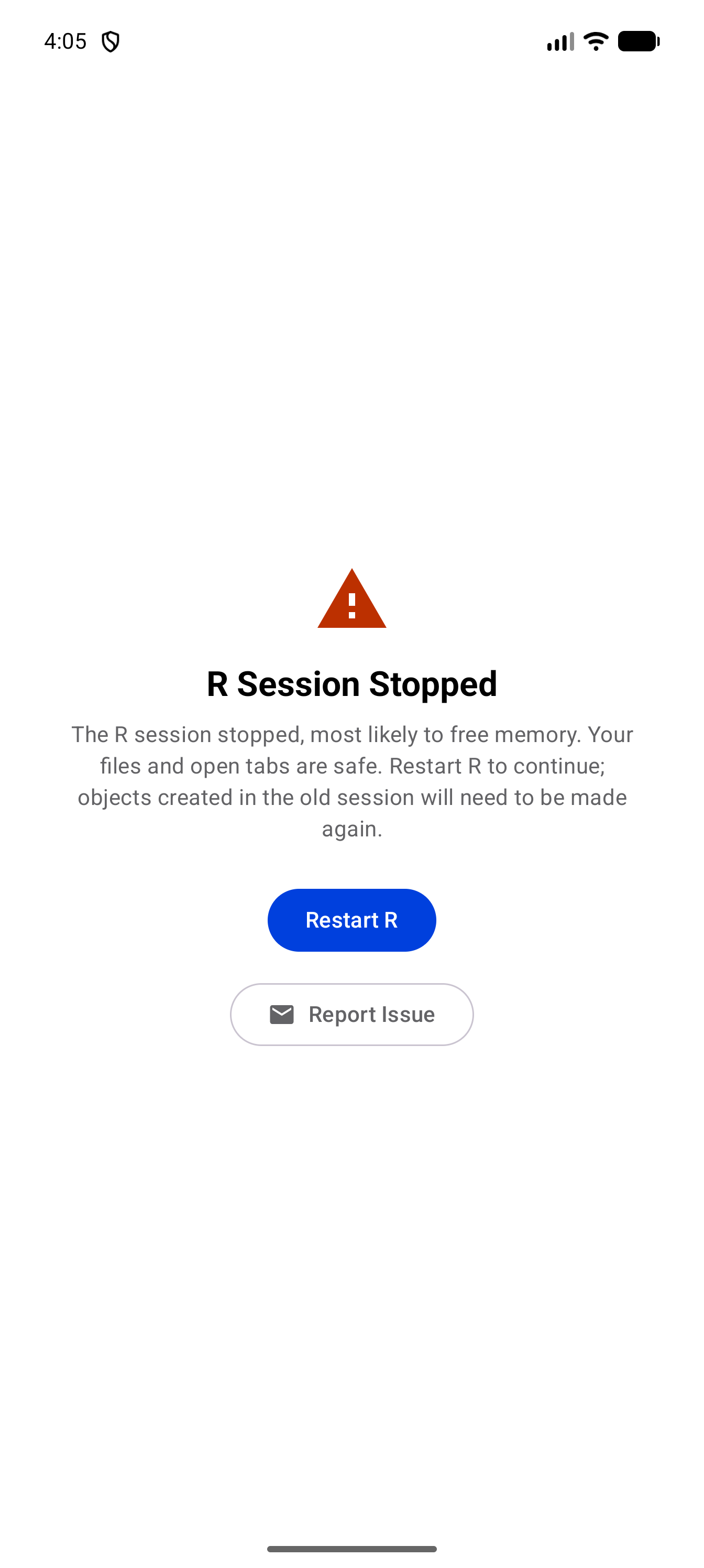
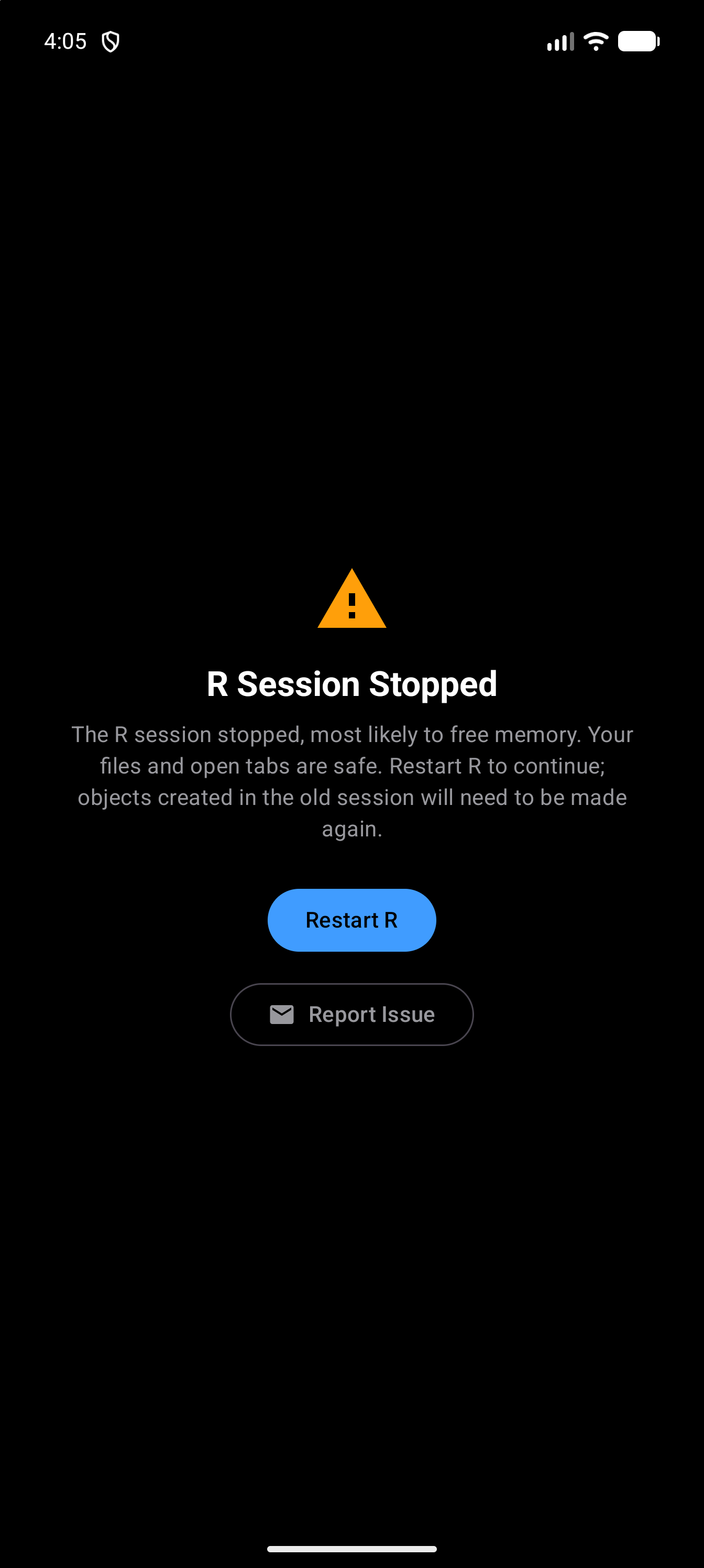
Your files and open tabs are safe, but the objects you made in R and the packages you had loaded are gone. Tap Restart R, then run your script again. If it keeps happening, please send us a diagnostic report with the session end log, which records why earlier sessions ended.
Can I interrupt running code?
No. Once R starts a command, it can’t be stopped partway through. A slow command finishes on its own, even after the Console shows its R Session Unresponsive banner. For one that never ends, tap Restart R on the banner or in Settings > R Session. The new session starts empty, and files R wrote that you hadn’t copied back are gone, but your project files and open tabs are safe. See When R Stops Responding.
What R Can Do
How is webRoid different from R on a computer?
Most everyday R works just as it does on a computer. The differences come from R running inside Android’s built-in browser engine:
- Not every CRAN package is available. See Why can’t I find a package?
- You can’t build packages or write your own C or C++ code (for example with
Rcpp), sodevtoolsandR CMD builddon’t work. Ready-built packages from the webR repository install as usual. - You can’t stop a command partway through. See Can I interrupt running code?
- Shiny, R Markdown and
knitrdon’t work, because they need a web server or programs outside R. - The
curlpackage, and packages built on it such ashttr2, can’t reach the internet.
For data analysis, plots, models and learning R, webRoid works well. Known Issues has the full list.
Can I download data from the internet in R?
Yes, with base R. download.file(), url() and read.csv() on a web address all work, as long as the site allows it. The curl package doesn’t work, and neither do packages built on it, such as httr2 and httr. See Getting data from the internet for which sites work and what to do instead.
What is webroid_enable_curl_shim()?
A limited stand-in for curl, which lets some simple httr2 code finish instead of timing out. It is off until you turn it on in the Console:
install.packages("curl")
webroid_enable_curl_shim()
It can only fetch a web address (a GET request), and only from sites that allow it. It can’t send data or sign in.
It quietly ignores everything in a request except the web address, including any sign-in token. You can get an answer to a different request than the one you made, and nothing warns you. If a package misbehaves while it is on, turn it off before you report the problem: Restart R in Settings > R Session starts a session without it.
Typing Code
Why do my quotes look different?
Some Android keyboards type curly quotes, and R only understands straight ones. webRoid straightens them before R sees your code, so R gets "hello" rather than “hello”. Known Issues covers the few cases where curly quotes can still cause an error.
Can I use an external keyboard?
Yes, with keyboard shortcuts for running code, saving, find and replace, and more. A mouse or trackpad works too: a right-click does what a long press does.
Files
Where are my files stored?
In the storage location you chose during setup, shown in Settings > Storage Location. You can browse them in the Files tab.
Files your R code writes, for example with write.csv(), stay inside R until you choose Copy Files Back from R in the Files menu, or turn on Copy Files Back Automatically in Settings > R Session. See Files and R.
Should I use app storage or choose a folder?
App storage needs no setup, but uninstalling webRoid deletes it, and it is not in your Google account backup. It shows up as webRoid in Android’s Files app, which is how you copy files out.
A folder you choose stays when you uninstall webRoid, and you can put it where a sync or cloud service backs it up.
You can switch to a folder later in Settings > Storage Location, but your files are not moved for you, so copy them out first. See Where Your Data Is Stored.
Plots
My plot isn’t showing up
New plots go to the Plots tab, and a badge on the tab counts the new ones. To see each plot as soon as it is drawn, change Settings > Plots > New Plot Display. See Display Modes.
Can I export plots?
Yes. Tap a plot to open it full screen, then save it as PNG, JPEG or PDF, or share it to another app. See Sharing and Saving.
Does webRoid support interactive plots?
Yes. Interactive plots from packages such as DT, plotly and leaflet appear under Plots > Interactive. The Interactive Plots bundle installs them along with the packages they need. See Interactive Plots.
Packages
Can I use ggplot2 and the tidyverse?
Yes. Install packages from the Packages screen, or install a bundle, such as Core Tidyverse, to get a set of them in one tap.
Why can’t I find a package?
Only packages rebuilt for webR can be installed, and not every CRAN package has been. To check, search for it in Packages > Browse. See Known Issues.
Do installed packages persist between sessions?
Yes. webRoid loads your installed packages back into R every time it starts, even offline. You still need library() in each new session, so put those calls at the top of your scripts. The exception is an update that brings a new webR, covered next.
Why do I have to reinstall my packages after an update?
Each package you install is prepared for one version of webR, the part of the app that runs R. Version 1.1.0 moved from webR 0.5.8 to webR 0.6.0, which brings R 4.6.0, and the new webR can’t load packages prepared for the old one. R on a computer works the same way: after moving from R 4.5 to 4.6, you install your packages again.
So the first time you open webRoid after such an update, it removes your old packages and lists them in a notice, Packages removed by the update, in the Console and on the Packages screen. Until you reinstall them, library() on one of them stops with an error saying there is no package by that name.
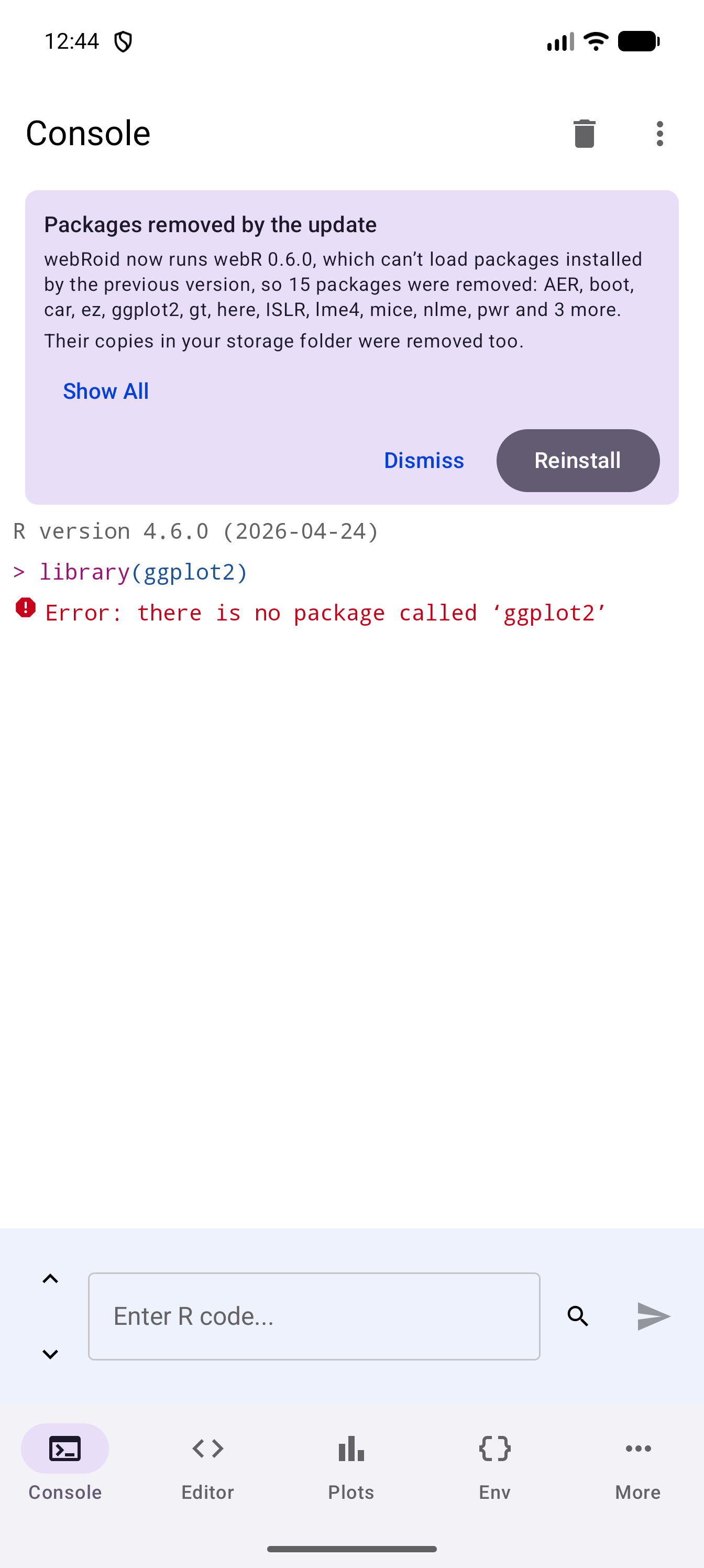
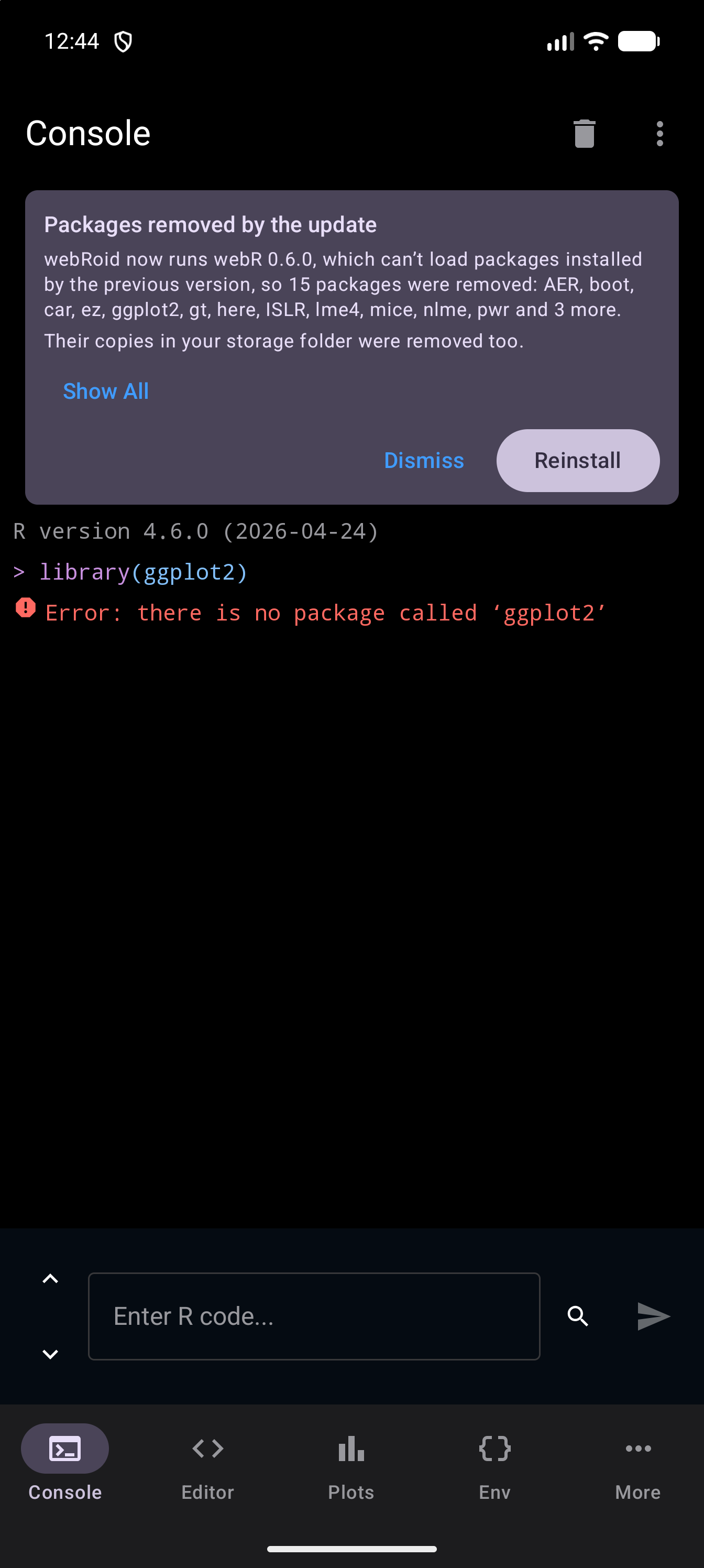
Tap Reinstall to install them all again (this needs an internet connection), or Dismiss to put the notice away for good and reinstall only the ones you want yourself. Other updates leave your packages as they are. See After an Update to webR.
Memory and Speed
How much memory can R use?
It depends on your device: devices with more RAM can handle bigger data. If you run low, or the app feels slow:
- Remove objects you no longer need, for example
rm(large_object). - Delete plots you no longer need from the gallery.
- Tap Run GC in Settings > R Session.
Closing other apps you aren’t using helps too. If Android needs memory back, it may close R, and the app shows R Session Stopped.
Still Need Help?
See Support to get in touch, and Sending a Diagnostic Report to send your logs with a report. If you’ve found a bug or have a feature request, open an issue on GitHub.